Bank Account Comparison Tool
Find the best bank for your online account opening needs based on minimum balance requirements, account type, and other features.
SBI
Minimum Balance: ₹0 (Basic Savings)
Features: Zero balance account available, video verification, instant account opening
Paytm Payments Bank
Minimum Balance: ₹0
Features: Zero balance account, fully digital, virtual debit card available
Airtel Payments Bank
Minimum Balance: ₹0
Features: Zero balance account, simple digital process, UPI support
HDFC Bank
Minimum Balance: ₹10,000 (Regular)
Features: Regular savings account, video verification, additional banking features
ICICI Bank
Minimum Balance: ₹10,000 (Regular)
Features: Regular savings account, video verification, app-based banking
Kotak Mahindra
Minimum Balance: ₹10,000
Features: Savings account, video verification, digital onboarding
Axis Bank
Minimum Balance: ₹10,000
Features: Savings account, video verification, online banking
Yes, you can open a bank account online in India without stepping into a branch. In fact, millions of people have done it since 2020, and the process has only gotten faster and simpler. Whether you're a student, a freelancer, or someone moving to a new city, you don’t need to wait in line or carry stacks of paperwork anymore. All you need is a smartphone, a valid ID, and a few minutes.
How It Works: The Digital KYC Process
The key to opening a bank account without visiting a branch is digital KYC - Know Your Customer. The Reserve Bank of India (RBI) approved paperless onboarding in 2016, and by 2023, nearly every major bank in India offered it. Today, you can complete the entire process using your Aadhaar card and a video call.
Here’s how it works:
- You pick a bank that offers online account opening - most public and private banks do, including SBI, HDFC, ICICI, Kotak, and Paytm Payments Bank.
- You download their mobile app or visit their website and select ‘Open Account Online’.
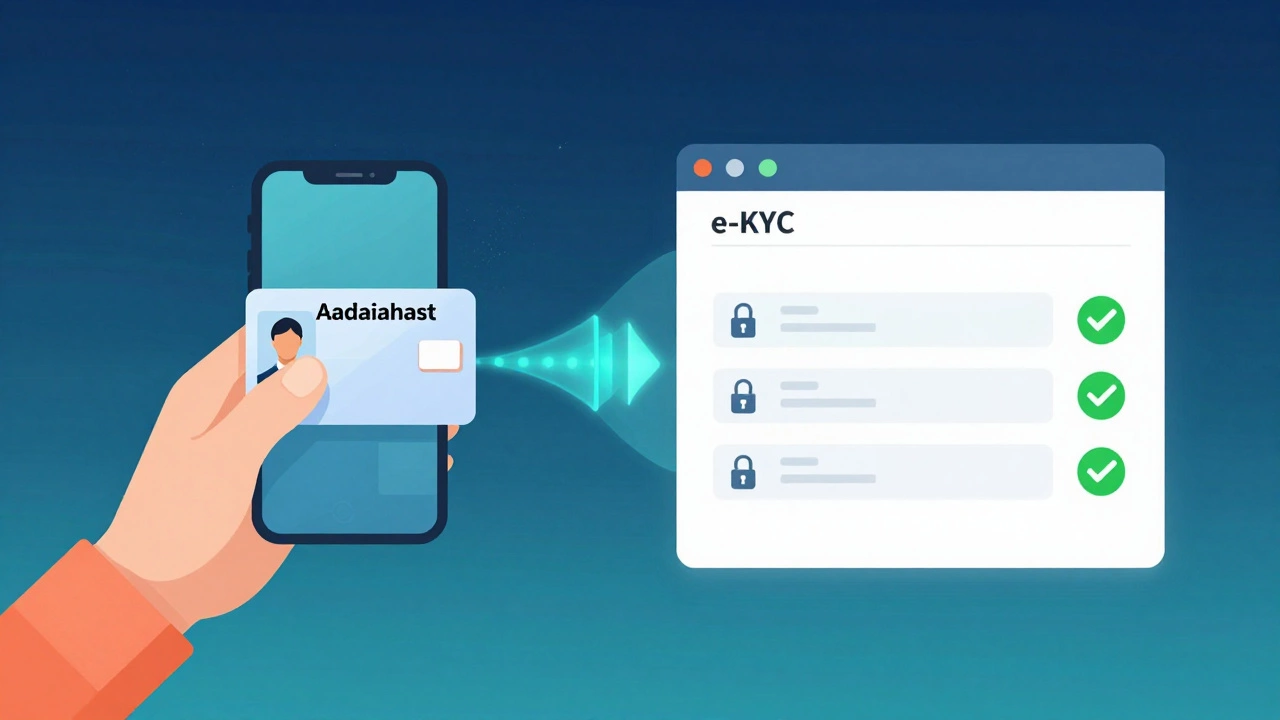
- You enter your Aadhaar number and consent to e-KYC using the UIDAI portal.
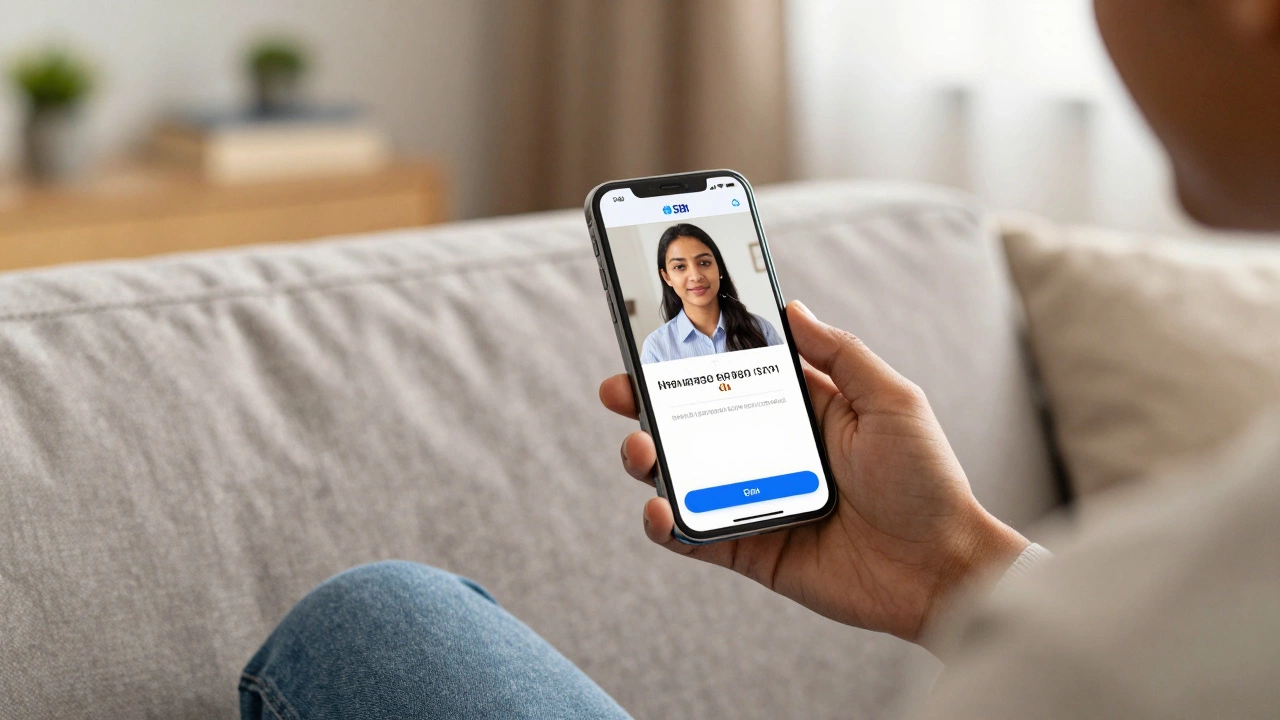
- You record a short video of yourself reading a random phrase shown on screen - this verifies your identity in real time.
- You upload a selfie and a clear photo of your Aadhaar card.
- The bank’s system matches your face with the photo on your Aadhaar and verifies your details with the government database.
- If everything checks out, your account is created within minutes. You’ll get your account number, IFSC code, and internet banking login right away.
No physical documents. No branch visit. No waiting days. The whole process takes under 15 minutes if your internet connection is stable.
Which Banks Let You Open an Account Online?
Not every bank offers the same experience, but most do. Here’s a quick breakdown:
| Bank | Online Opening? | Minimum Balance | Account Type |
|---|---|---|---|
| SBI | Yes | ₹0 (Basic Savings) | Savings |
| HDFC Bank | Yes | ₹10,000 (Regular) | Savings |
| ICICI Bank | Yes | ₹10,000 (Regular) | Savings |
| Kotak Mahindra | Yes | ₹10,000 | Savings |
| Paytm Payments Bank | Yes | ₹0 | Savings |
| Airtel Payments Bank | Yes | ₹0 | Savings |
| Axis Bank | Yes | ₹10,000 | Savings |
Paytm Payments Bank and Airtel Payments Bank are the easiest for beginners - they require no minimum balance and are fully digital. Traditional banks like SBI offer zero-balance accounts too, but may ask for additional verification if your Aadhaar isn’t linked to your mobile number.
What Documents Do You Really Need?
You might think you need a passport, driver’s license, or utility bills. You don’t. In India, your Aadhaar card is the only document you need for most accounts. But there are two conditions:
- Your Aadhaar must be linked to your current mobile number.
- Your Aadhaar must be updated - meaning your photo, address, and biometrics are verified by UIDAI.
If your Aadhaar isn’t linked, you’ll get an error during e-KYC. Fix it by visiting the UIDAI website and linking your number - it takes 2 minutes and is free. If your address is outdated, update it online too. You can do both using the same app: mAadhaar.
For non-residents or people without Aadhaar, some banks allow PAN card + passport + video call. But for 95% of Indians, Aadhaar is all you need.
What About the Physical Passbook or Debit Card?
You don’t need to wait for them. Your account is active the moment it’s approved - you can start receiving money, paying bills, and using UPI right away.
Physical items like debit cards and passbooks are mailed to your registered address within 7-10 days. If you need a card sooner, most banks let you request a virtual debit card in the app immediately. You can use it for online shopping, app subscriptions, and even UPI payments. No plastic needed.
Some banks even let you freeze or replace your card through the app - no calls, no branches.
Common Problems and How to Fix Them
Most people get through the process without issues. But here are the top three problems and how to solve them:
- ‘Aadhaar authentication failed’ - Your mobile number isn’t linked. Go to uidai.gov.in, click ‘Update Mobile’, and follow the steps. You’ll get an OTP on your old number.
- Video verification fails - Make sure you’re in a well-lit room. Don’t wear glasses or hats. Read the phrase clearly and slowly. Try again in 10 minutes.
- Account stuck in ‘pending’ - This usually happens if your address doesn’t match your Aadhaar. Update your address on UIDAI and reapply. Most banks will notify you within 24 hours.
If you’re still stuck, call the bank’s customer service - they can often manually approve your application if your documents are correct.
Is It Safe?
Yes. The entire process is encrypted and follows RBI guidelines. Your biometric data isn’t stored by the bank - it’s verified in real time by UIDAI and then deleted. The video recording is only used to match your face with your Aadhaar photo. Banks are legally required to delete it within 24 hours.
Plus, your account comes with zero liability protection. If someone steals your login details, the bank must refund your money under RBI’s digital fraud policy - as long as you report it within 3 days.
Who Should Not Use This Service?
Most people can use it. But if you fall into one of these categories, you might need to visit a branch:
- You don’t have an Aadhaar card (rare, but possible for some elderly or migrant workers).
- Your Aadhaar is not linked to your mobile number and you can’t update it.
- You’re opening a joint account - most banks still require both parties to be physically present or do separate video calls.
- You need a current account for business - those usually require additional documents like GSTIN or business proof.
If you’re unsure, start with a savings account. It’s the easiest, fastest, and most useful for most people.
Why This Matters
Opening a bank account online isn’t just convenient - it’s a game-changer for financial inclusion. In 2024, over 70% of new bank accounts in India were opened digitally. People in villages, small towns, and remote areas now have access to banking services without traveling hours to the nearest branch.
It also means you can start building credit history faster. With a bank account, you can link it to UPI, pay bills on time, and eventually qualify for loans, credit cards, or even home loans.
This isn’t a trend. It’s the new normal. And if you’re still going to a bank branch to open an account in 2025, you’re doing more work than you need to.
Can I open a bank account online without Aadhaar in India?
It’s very difficult. Aadhaar is the primary ID for digital account opening in India. Without it, you’ll need to visit a branch with a passport, PAN card, and proof of address. Some banks may allow this, but it’s slower and not guaranteed. If you don’t have Aadhaar, get one first - it’s free and takes less than a week.
How long does it take to get an account number after applying online?
You get your account number instantly - usually within 5 to 10 minutes after your video verification is approved. You’ll see it in the app and receive an SMS. Your IFSC code and internet banking login follow shortly after. The physical debit card takes 7-10 days to arrive by post.
Can I open a zero-balance account online?
Yes. SBI, Paytm Payments Bank, and Airtel Payments Bank all offer zero-balance savings accounts online. Most other banks require a minimum balance, but you can always switch to a zero-balance account later. Start with SBI or Paytm if you want to avoid monthly fees.
Is the video verification safe? Can someone hack my account through it?
The video is only used to match your face with your Aadhaar photo. It’s encrypted end-to-end and deleted within 24 hours. Banks don’t store it. The system uses AI to detect spoofing - like photos or videos of you. If you’re real and your Aadhaar is valid, you’re safe. Never share your OTP or login details with anyone.
Can I open an account for my child online?
No. Minor accounts require a guardian to visit the branch with birth proof and their own ID. Online account opening is only for individuals aged 18 and above. You can open a joint account with your child once they turn 18.